Jerry Chen

Researcher @ UCSD AVL, CTO @ Cupify, Sim racer

I research autonomous driving at UC San Diego and race GT cars in simulators. I co-founded Cupify, an AI dating agent.

Hi, I’m Jerry.
I build the way I race.

In the lab I replay the same rollout a million times.

On track I’m back at the Nürburgring chasing that tenth.

At Cupify I keep shipping one more thing.

About me

I research world-model representations and closed-loop driving simulation, and build Cupify, a personal AI dating agent.

I research world‑model representations and closed‑loop driving simulation at UC San Diego AVL.

I also build Cupify, a personal AI dating agent.

Education
B.S. Math–CS and Cognitive Science (ML), UC San Diego, 2028
Lab
Autonomous Vehicle Laboratory, with Prof. Henrik I. Christensen
Interests
Robot learning, world models, reinforcement learning, simulation
Open to
Internships for summer 2027 and research collaborations
Journey
Shanghai → New Hampshire → California
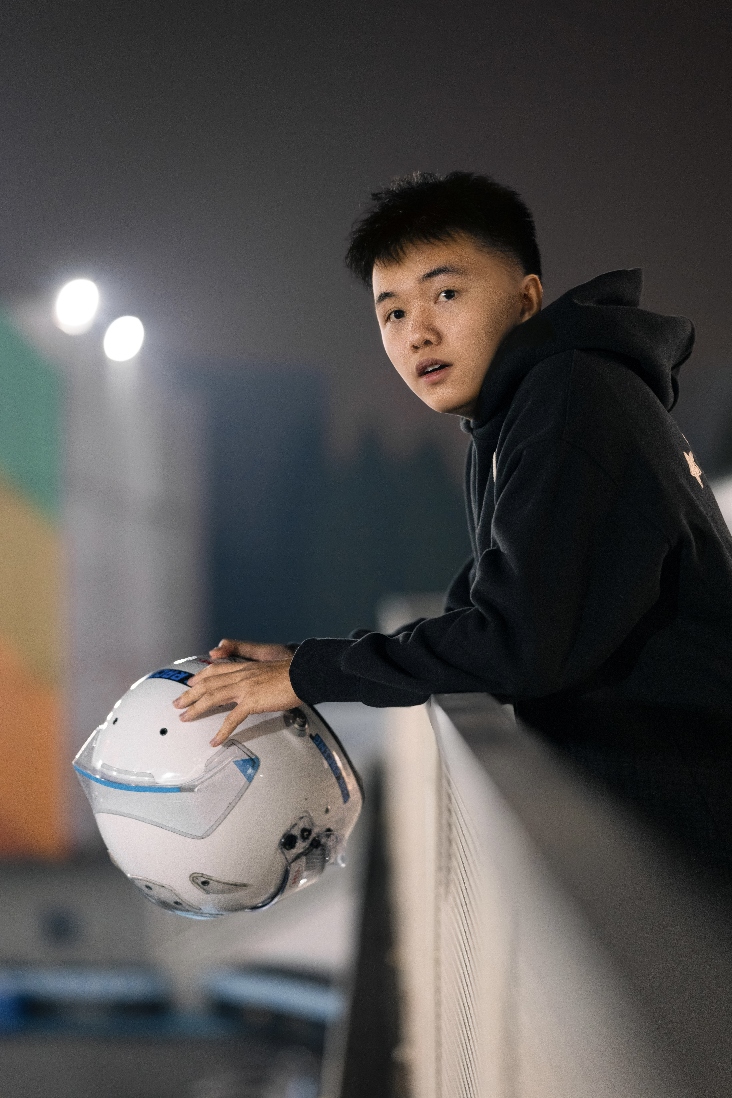
Jerry looking out over traffic and city lights at night
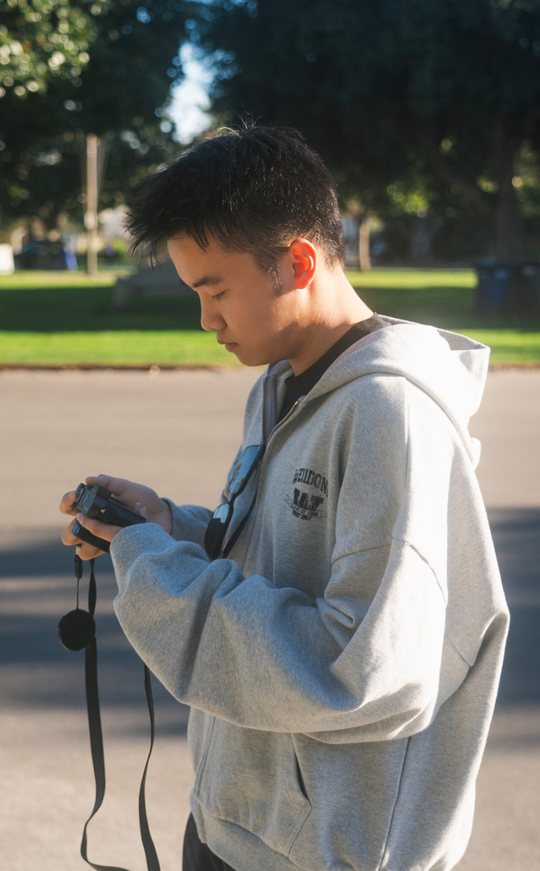
Jerry in a grey zip hoodie, looking down at a compact camera in his hands on a sunlit street beside a park
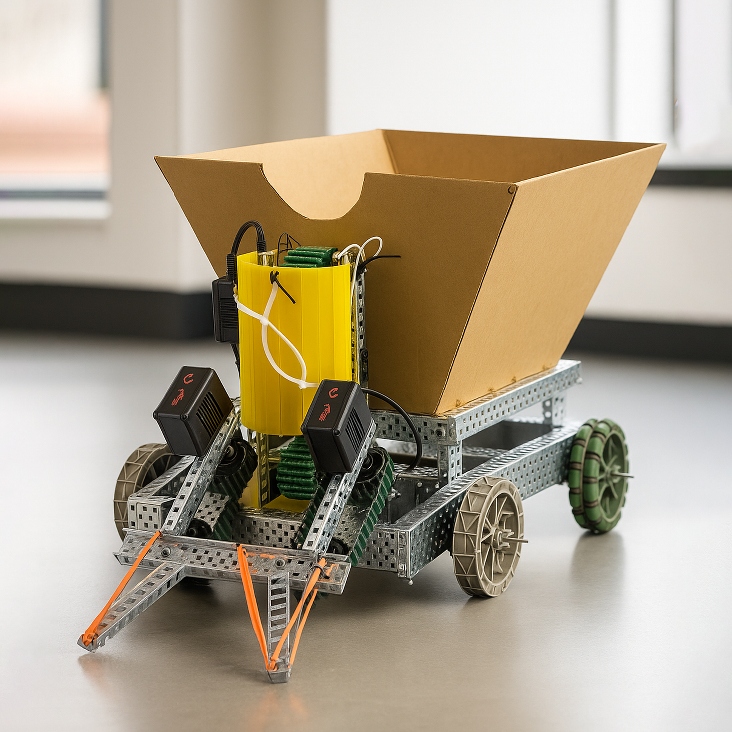
Robotics project
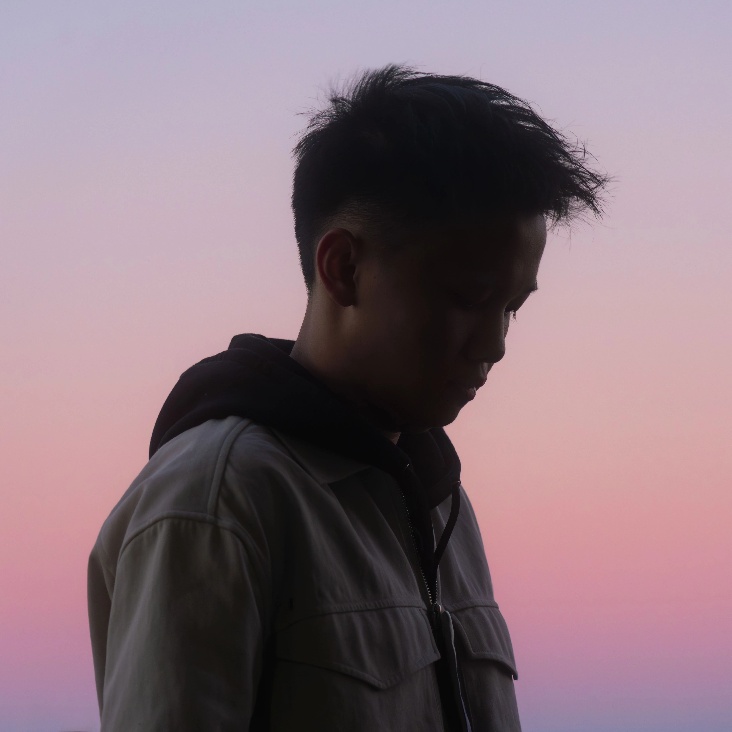
Silhouette at sunset
Leaning over a railing with a soccer ball
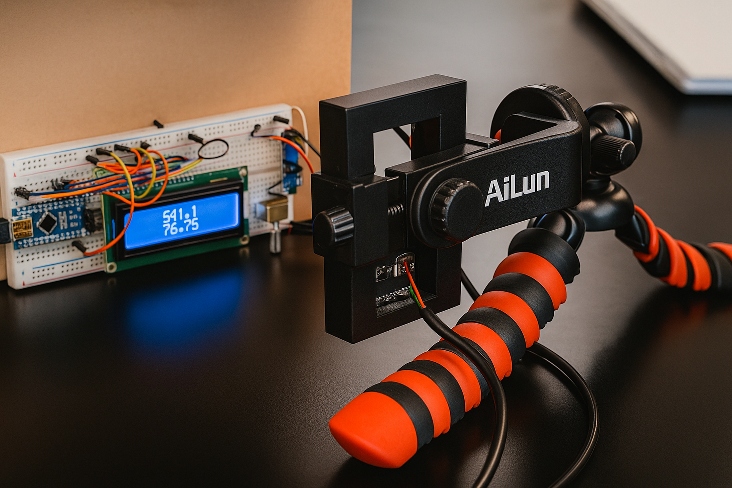
Electronics project

  • Lab Meter Reader 2023–24 Read lab gauges with computer vision.
  • Tennis Ball Pickup Robot 2023–24 Led a four-person robotics team.
  • Tencent Summer Intern 2023 Co-wrote an introductory AI lesson.
  • Low-Cost Fall Detection 2022–23 Compared models on security footage.
  • School Portal App 2022–23 Put assignments and grades on iOS.

Keep In Touch With Me

Open to research and engineering internships for summer 2027, and to academic research collaborations.

← Back to About

Full bio

← Back

Research · 2025–⁠present

Autonomous Vehicle Laboratory, UC San Diego

Research Assistant · Advised by Prof. Henrik I. Christensen

Diagram. Closed-loop rollout: the PufferDrive simulator sends state to the RAP planner and gets actions back through a C/Python bridge (my part, checked by replay); drawing moved from CPU to nvdiffrast on the GPU with a depth buffer (my part). Evaluation protocol: frozen LeWM and Dreamer representations go through one shared action head (my part).
Where my parts sit, drawn for this page (orange: my part).
Problem
In closed-loop simulation the car's next frame depends on what it just did, so a small mismatch grows over a rollout. A comparison between driving models only holds if the rollout is reproducible and the score isolates the thing being compared.
My role
I build the rollout and evaluation tooling, and designed the protocol for comparing representations.
What I did
  • Built a C/Python integration between PufferDrive and RAP for reproducible closed-loop driving rollouts, and checked that actions and exposed state stay consistent through controlled replay and visual comparison.
  • Moved drawing from the CPU to nvdiffrast GPU rasterization, keeping camera geometry and scene semantics and using a depth buffer for occlusion.
  • Built nuScenes detection and tracking evaluation with COCO metrics and TrackEval (HOTA, MOTA); diagnosed annotation and mask-to-box errors; evaluated YOLO boxes paired with SAM2 tracking identities.
  • Designed an evaluation protocol that compares frozen LeWM and Dreamer representations through one shared action head.
The decision
One action head, shared by both representations. With the controller held fixed, a difference in driving points at the representation rather than at the controller.
Result
In progress; no published results yet.
Link
avl.ucsd.edu ↗︎
Credits
The card's clip is this site's left screen: nuScenes scene-0103 (CAM_FRONT keyframes and 3D annotations), © Motional, licensed under CC BY-NC-SA 4.0; the road layout, forecasts and BEV are illustrative, drawn from the annotations.
← Back

Research · Summer 2025

Shanghai Jiao Tong University

Summer Research Assistant, 3D Reconstruction Research · Advised by Prof. Liang Yuan

A screenshot from the 3D Gaussian Splatting viewer: a small chest from one of my captures, drawn as its Gaussian ellipsoids.
From the 3D Gaussian Splatting viewer: one of my captures, drawn as its Gaussian ellipsoids.
Problem
3D Gaussian Splatting starts from a point cloud. SfM/COLMAP gives sparse anchors; MVS gives dense points, with redundant geometry among them.
My role
Summer research assistant; I built and evaluated the initialization pipeline.
What I did
  • Built a 3DGS initialization pipeline that fuses sparse SfM/COLMAP anchors with dense MVS points.
  • Applied confidence-aware selection and voxel thinning to remove redundant geometry.
  • Evaluated initialization variants with PSNR, SSIM and LPIPS.
  • Investigated mesh-based Gaussian editing, and visualized the point-cloud fusion in MeshLab.
The decision
Fuse both sources, then select by confidence and thin per voxel: the starting cloud keeps MVS's dense coverage without its redundant points.
Result
Initialization variants compared on PSNR, SSIM and LPIPS.
Credits
The tablet in the card's clip plays “Gaussian Splat Video” by Jurdein, from Wikimedia Commons, licensed under CC BY-SA 4.0. Adapted: resized, slowed with motion interpolation, and played forward then back; the clip is shared under the same licence. The print behind it is my own capture.
← Back

Research · 2024–25 academic year

China Literature

AI Research Intern

Bar chart of local TTS runtime: unadapted baseline 3.53 s, emotion LoRA before 8.92 s, weights preloaded and reused 3.62 s; the gap to baseline falls from 5.39 s to 0.09 s.
Problem
With the emotion adapters, local TTS took 8.92 s, against 3.53 s for the unadapted model.
My role
AI research intern on emotional speech and image generation.
What I did
  • Built emotional LoRA adapters for CosyVoice; compared voice conversion with LLM/flow adaptation, and tuned emotion strength against speech quality and speaker consistency.
  • Reduced local TTS runtime from 8.92 s to 3.62 s by preloading and reusing model weights, approaching the 3.53 s unadapted baseline.
  • Curated 72 training images and trained a FLUX LoRA for stylized character–scene composition; built and modified ComfyUI generation workflows.
The decision
Load the weights once and reuse them. The adapters' extra time fell from 5.39 s to 0.09 s.
Result
Unadapted baseline3.53 s
Emotion LoRA, before8.92 s
Weights preloaded and reused3.62 s
A ComfyUI node graph: two portrait photos feed a chain of nodes that ends in a stylized illustration of two characters.
One of the ComfyUI generation workflows.
← Back

Building · 2026–⁠present

Cupify

CTO & Technical Founder · an AI dating agent

cupify.love's first screen: Stop guessing. Start knowing how you love. A 4-minute psychology quiz, with a Start Quiz button, among cards of the dating-personality archetypes.
cupify.love, the dating-personality test I designed.

The questions.

My co-founder researches relationships, and people kept bringing him the same late-night questions: what did that text mean, should I ask, where do we go. Not everyone has this problem, but the people who do are desperate for help, and he could only answer a few of them.

What's out there.

We looked at what people already pay for. Dating courses sell well at high prices, but they teach pickup tricks instead of what people actually need, and the rare useful part is hard to learn and never about your situation. A private consultation is better, and far too expensive. If something good already existed, we would not have built Cupify.

Scale.

One person doesn't scale, and people want something to use, not another thing to learn. We both do AI research, where everyone now builds on the newest models. Cupify started as my idea: use those tools to put his knowledge in everyone's pocket.

More than a copy of him.

A version of him that picks up at any hour was never the point. A friend hears one side of the story, once; Cupify hears about every message and every date, before and after, and starts from a personality profile. It can end up knowing more than any single consultation.

The coach on cupify.love, Three things it does for you: Call it anytime (it picks up at 3 a.m.), with a call on a phone's screen; One-tap date plans; Three replies.
The coach: call it anytime, one-tap date plans, three replies.

The build.

I built the engineering end to end: our own GraphRAG with cascading chain-of-thought, a memory layer that keeps short-term context apart from long-term memory, and full-duplex voice calls you can interrupt. In a sense it is a harness, built for dating.

Diagram. Input (stage, situation, chat) goes into Relationship Memory (history, boundaries, outcomes; user-controlled), which feeds Agent Recommends (interpretation, reply options, date plan, next action). A Knowledge Layer (16 Dating Personalities, structured relationship knowledge) feeds the recommendations too, and what the agent recommends loops back into the input.
How Cupify works, the diagram I drew for our teaser. I built every part of it; the relationship knowledge comes from my co-founder's research.

The design.

I designed every screen of the website and the app. For each element I asked what the person needs right then, how to have it ready the moment they want it, or before, and how to be proactive without overstepping.

The app's Small things screen: facts about her, each with the words she said and the day it was noted, such as Allergic to shellfish: she said I'm allergic to shellfish, so no seafood places. A person's page in the app: Jessica, a Moon Keeper, at the Talking stage on the way to Girlfriend, with her next meetup on Wednesday at 2:00 PM at a coffee shop, a link to the plan, and day 88's note: she brought up weekend plans, unprompted. The personality test's result card: The Firestarter, type DFIB, with the traits Devoted, Feeling, Intense and Bonded.

The snowball.

Both products are live: thousands of people found the personality test with no promotion, and the coach is in beta. Every conversation, date and debrief feeds back into memory, so the agent gets sharper for each person the longer they use it. That loop is what I'm proudest of: help that grows with you, for anyone who needs it.

← Back

Building · 2024–⁠present

isjerry.com

Design and code · vanilla JavaScript, GSAP and three.js, no build step

I designed and coded the cockpit you just scrolled through.

The first screen of this site: the view from the seat of a sim-racing rig in a glass-walled lab, with three screens.
Problem
The first screen is the view from a sim-racing rig in a lab, with three live screens. It is heavy, and it used to hide behind a full-screen loader: on a slow phone the page took 7.0 s to appear.
What I did
  • The room is a generated video; the three screens are drawn live in WebGL on top of it, so what they show is real: a nuScenes drive, an on-board lap and Cupify.
  • The hero loads in tiers: the poster first, then a low-res pass of the whole scroll, then the sharp frames and the live screens. Phones get a WebGL room instead of the video.
  • With reduced motion the hero stays on the poster: nothing follows the scroll and nothing plays.
The decision
No loading screen. The first paint is the real first screen, and the heavy work starts after it.
Result
BeforeAfter
Page shows, phone (Slow 4G, 4× CPU)7.0 s0.9 s
Page shows, desktop (Slow 4G, 4× CPU)11.8 s0.9 s
Lighthouse, desktop (median of 3)93100
Lighthouse, mobile (median of 3)7783
Trade-off
On a slow phone the sharp picture arrives later, at 13.9 s, because the low-res pass is fetched first.
Credits
Track footage: “ACC | Kevin Estre - Porsche 911 GT3 R (Cockpit View) at Nürburgring 24H” by RaimisS27 (YouTube), CC BY 3.0. Cropped, trimmed and looped; telemetry read from the video's on-screen HUD. Assetto Corsa Competizione © Kunos Simulazioni / 505 Games.
Left screen: nuScenes scene-0103 (CAM_FRONT keyframes and 3D annotations), © Motional, licensed under CC BY-NC-SA 4.0. H. Caesar et al., “nuScenes: A multimodal dataset for autonomous driving”, CVPR 2020. Adapted: frames resized; 3D boxes, an illustrative road layout fitted to the frames, forecasts and BEV rendered from the annotations. This adaptation is released under CC BY-NC-SA 4.0. Not endorsed by Motional.